ChatGPT, with a filing cabinet
Folders in the sidebar, search that reads every message, export in four formats — added to chatgpt.com by an extension that keeps all of it on your machine.
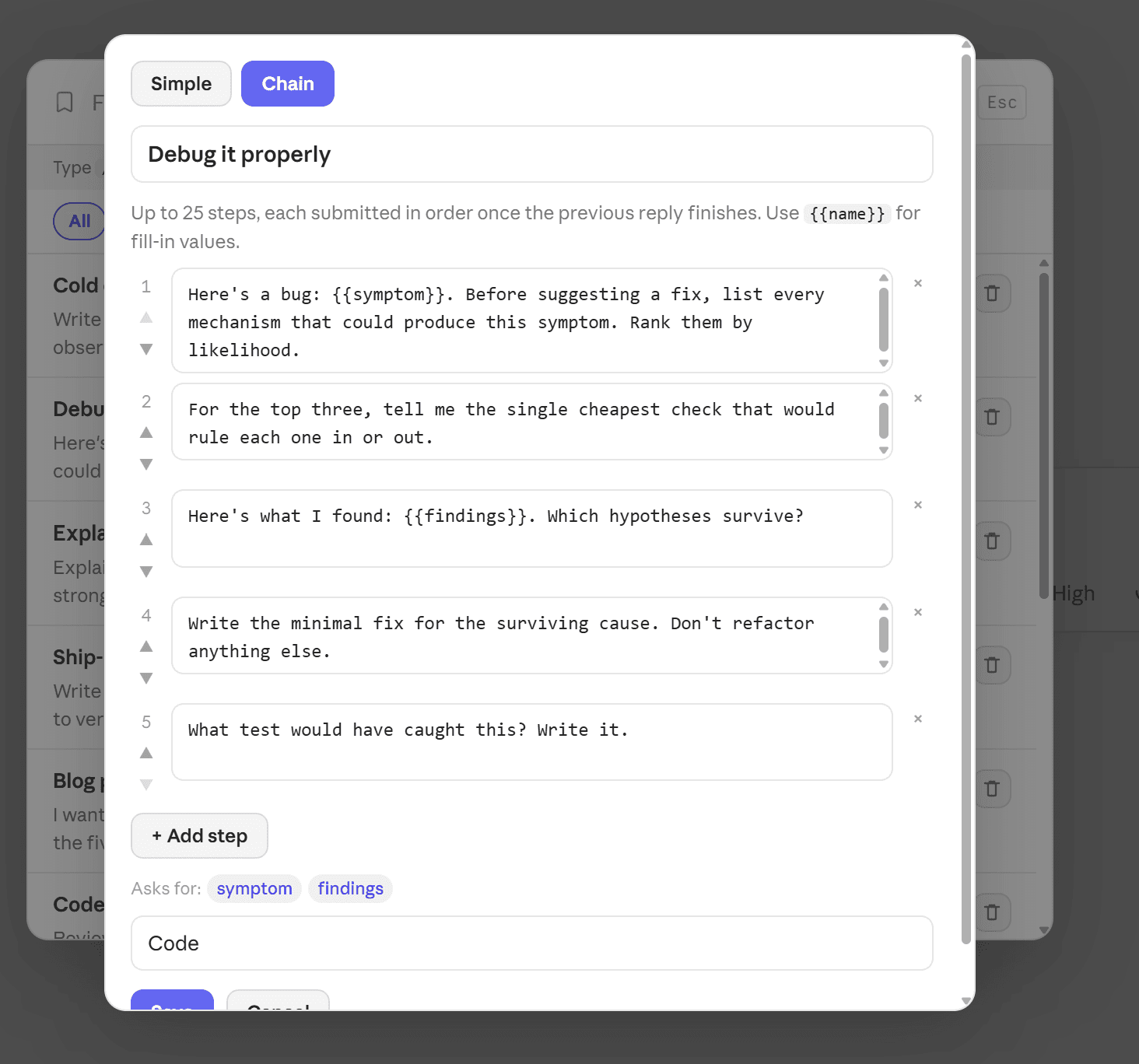
What ChatGPT leaves you to do by hand
None of this is a complaint about the model. It's the filing cabinet that never got built.
Projects aren't folders
OpenAI's Projects are tied to specific GPT instances and start empty. There's still no general-purpose way to group the several hundred conversations you already have.
Search is the only way back
ChatGPT can search your messages, but there's nothing to do with what it finds: no folder to file it in, no star to find it faster next time.
Export means copy-paste
No Markdown, no PDF, no JSON. Moving a conversation into a document means selecting it by hand and losing every code block on the way.
What it adds to ChatGPT
Three places, one extension — and a floating button that still works if ChatGPT redesigns its sidebar tomorrow.
Folders and smart tags
Nested, colour-coded folders above your chat list, with an automatic tag panel beneath.
Export and bookmarks
Export the open conversation, or star the reply you'll want again, without leaving the page.
Everything, from one menu
Search, folders, bookmarks, prompts, export and settings — deliberately independent of the host UI.
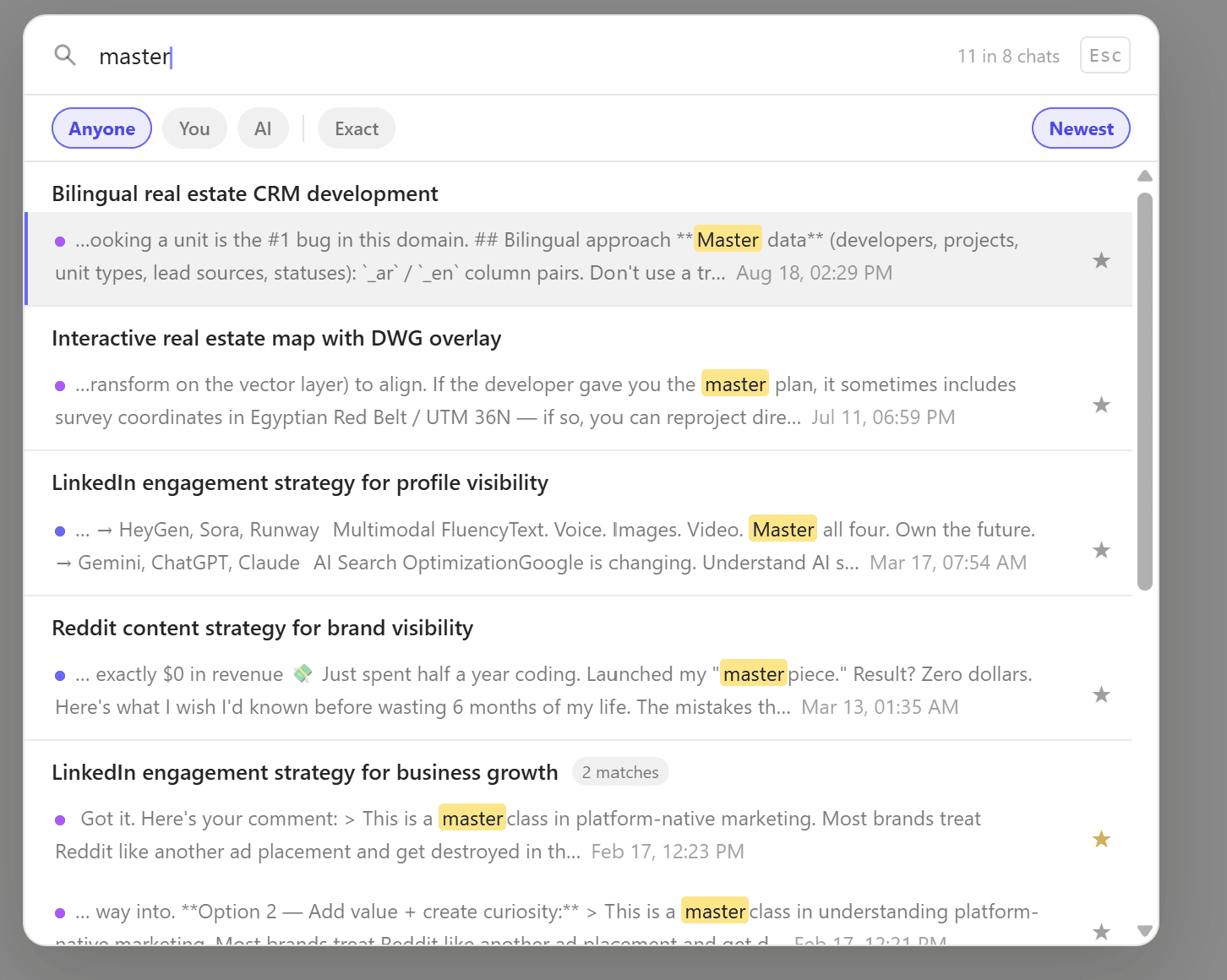
Every message, on your machine
ChatGPT's search runs on OpenAI's servers, one platform at a time. ChatPeer indexes every message locally and returns matches in context, highlighted, dated and filterable by who said it.
The full toolbox on ChatGPT
Questions about ChatGPT
No. ChatPeer's folders are a separate overlay on top of ChatGPT's conversation list. They don't interact with Projects, which are a different system tied to GPT instances.
Yes. ChatPeer works at the conversation level, not the model level. New models that use the same ChatGPT interface will be indexed and searchable automatically.
Yes. Conversations with custom GPTs appear in your history and are indexed by ChatPeer the same as regular conversations.
ChatPeer needs host permission on chatgpt.com to inject its UI and read your conversation history through the ChatGPT API. It doesn't read any other site's data.
Add it to ChatGPT
Free to install. No account required.