Grok, with a filing cabinet
Nested folders, a search that reads every message, bookmarks and export in four formats — added to grok.com by an extension that keeps all of it in your browser.
What Grok leaves you to do by hand
None of this is a complaint about the model. It's the filing cabinet that never got built.
Projects are workspaces, not folders
Grok's Projects bundle files, custom instructions and chats around one task. For sorting the hundreds of conversations you already have — by client, topic or month, with subfolders and colours — you still need something else.
Found it, then lost it again
Grok's search does look inside messages. But there's nowhere to file what it finds, so next week you search for the same chat all over again.
Export is the whole account
Grok's data export (Settings → Data) packages your entire history as one JSON archive. There's no button to save the conversation you're reading as Markdown or PDF.
What it adds to Grok
Three places, one extension — and a floating button that still works if Grok redesigns its sidebar tomorrow.
Folders and smart tags
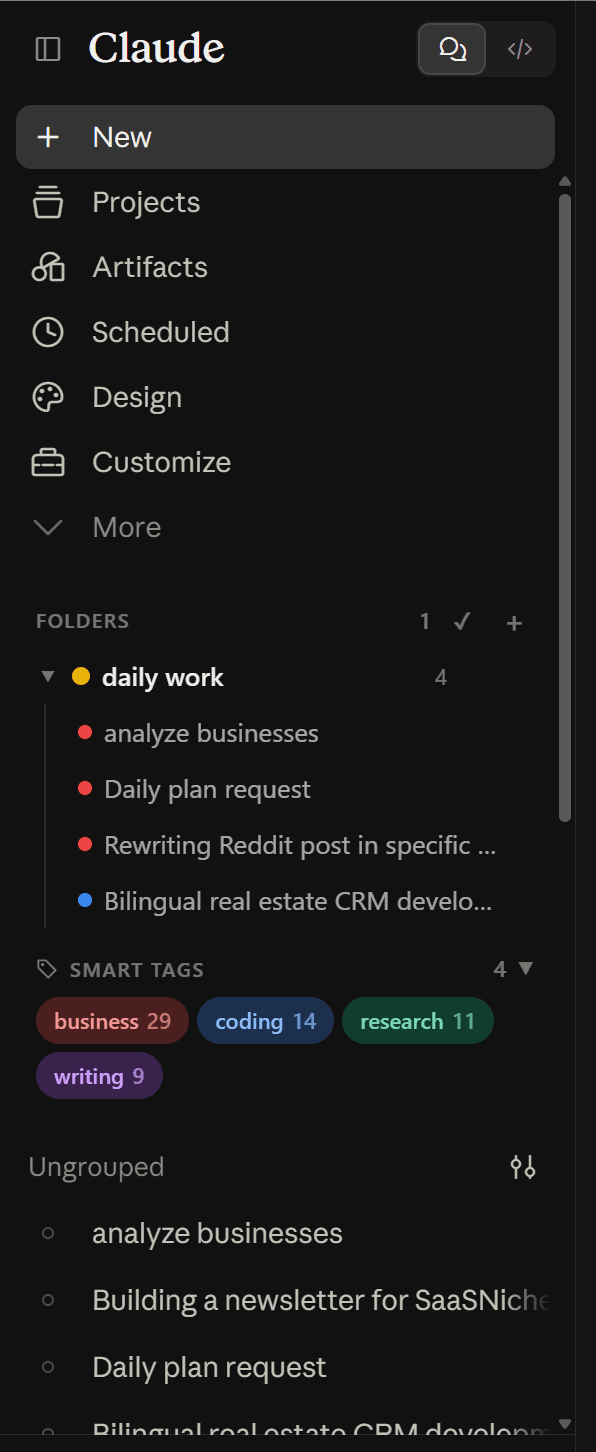
Nested, colour-coded folders above your chat list, with an automatic tag panel beneath.
Export and bookmarks
Export the open conversation, or star the reply you'll want again, without leaving the page.
Everything, from one menu
Search, folders, bookmarks, prompts, export and settings — deliberately independent of the host UI.
Every message, on your machine
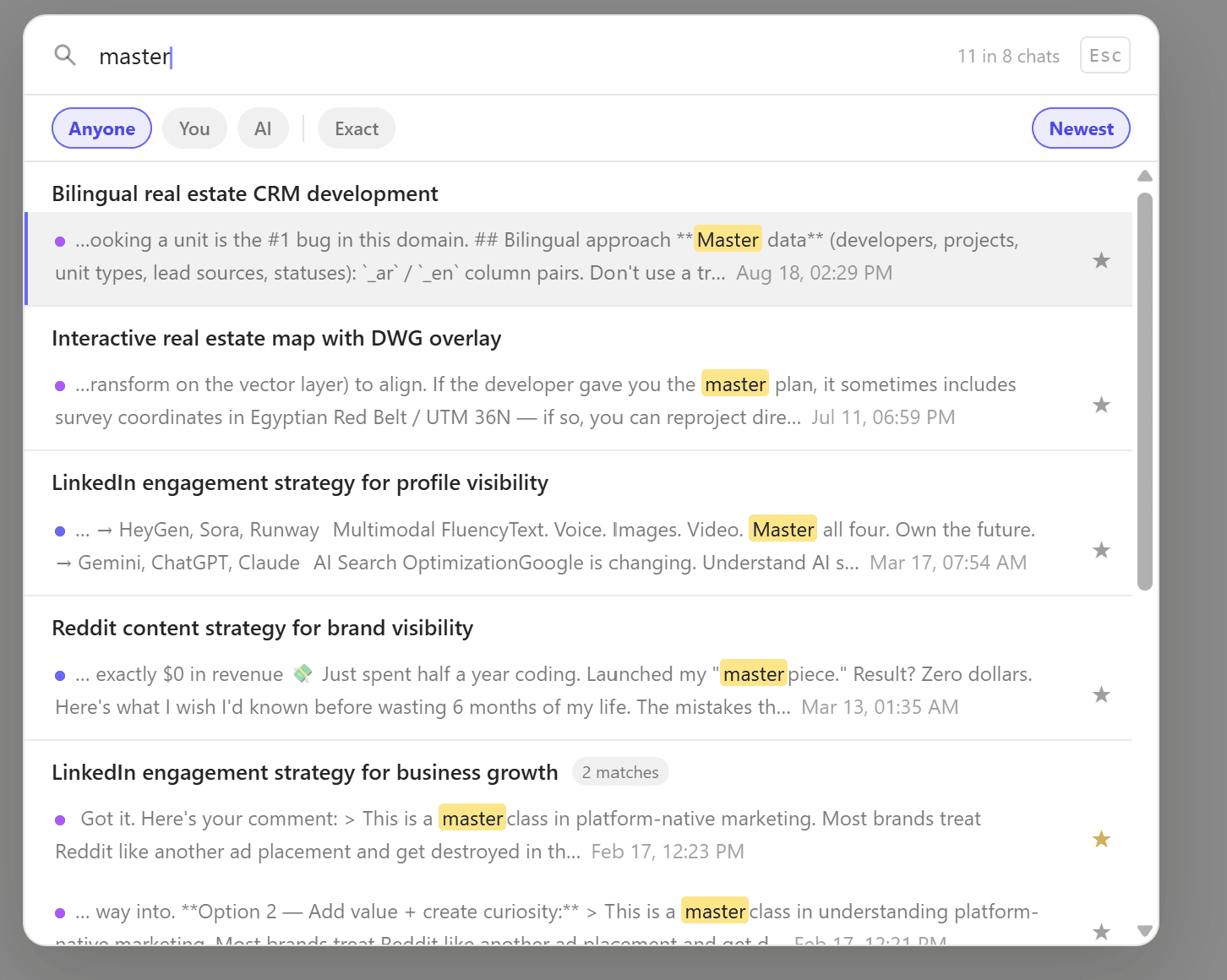
ChatPeer keeps its own index of every Grok message in your browser, so you can search the body of any conversation from inside another one, narrow it to what you said or what Grok said, and match an exact phrase. With All Access, the same box covers ChatGPT and Claude too.
The full toolbox on Grok
Questions about Grok
Yes — through grok.com's own web API, using the session you're already logged in with, the same way the Grok site loads your history. Message text is stored in your browser's IndexedDB. Nothing is uploaded to ChatPeer.
Host permission on grok.com, so it can add its panels to the page and read your conversation history through Grok's web API. The same applies on chatgpt.com and claude.ai; it doesn't read any other site's data.
No. ChatPeer's folders are a separate layer stored in your browser. Filing a chat in a ChatPeer folder doesn't move it, change it, or touch any Project it belongs to.
Yes. The free tier includes 2 folders, 2 bookmarks, 2 saved prompts, 5 search results and TXT export, and smart tags work on every tier. Every paid plan covers Grok alongside ChatGPT and Claude. Prompt chains aren't on Grok yet; typing // to insert a saved prompt is.
Add it to Grok
Free to install. No account required.