Search inside every Grok message
ChatPeer indexes the text of every Grok conversation in your browser, so a line you half-remember is one shortcut away — filtered by who said it, matched exactly if you like.
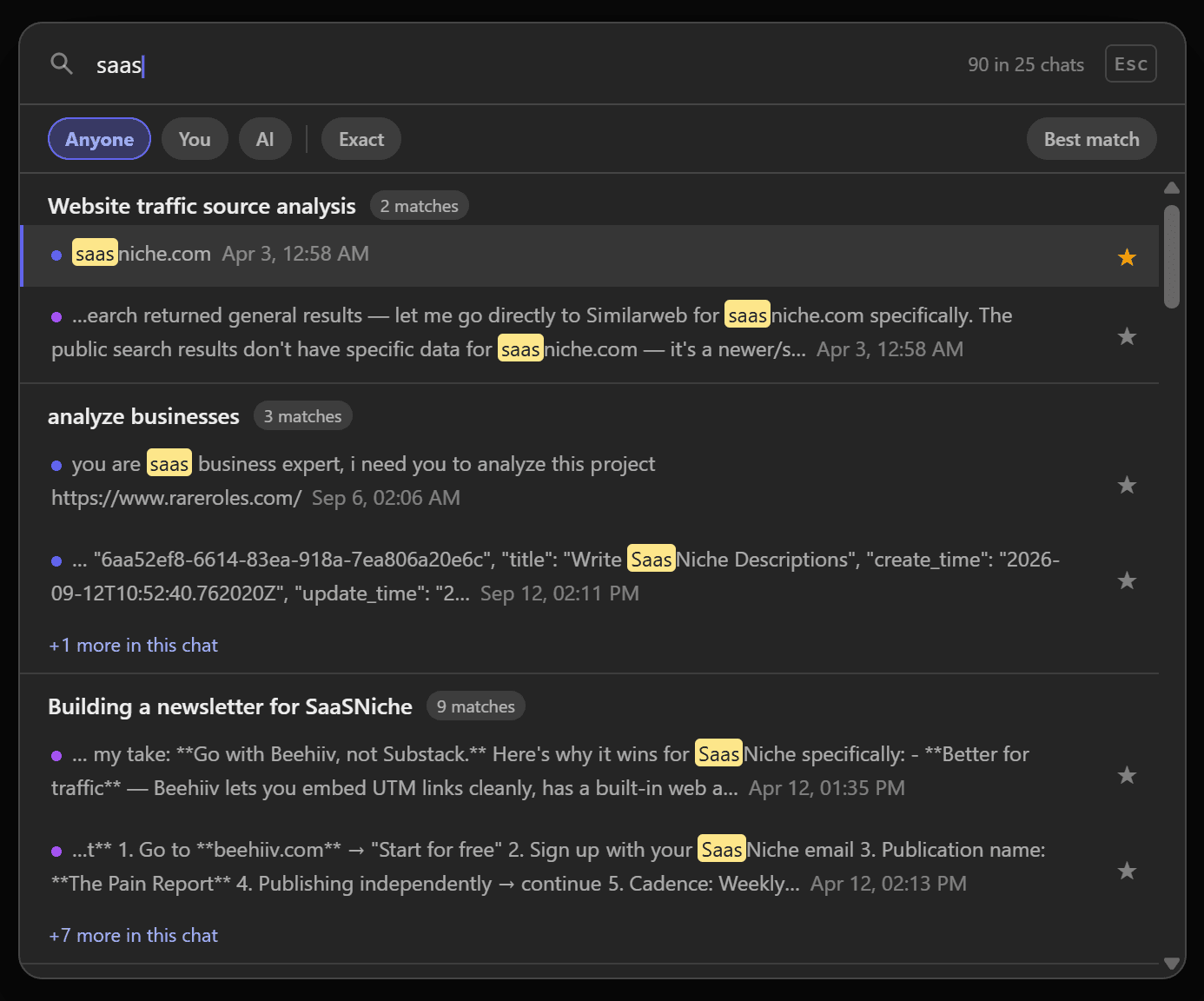
ChatPeer reads your history through grok.com's own web API with the session you're already logged in with, stores the text in IndexedDB and indexes it locally. Neither your messages nor your queries leave the browser.
Press Ctrl+Shift+F on any grok.com page. Results group by conversation with your terms highlighted and dated; narrow them to your messages or Grok's, or switch on exact-phrase matching.
Free shows 5 results per query; paid plans remove the cap. Searching Grok, ChatGPT and Claude together is cross-platform search, on All Access.
The answer Grok gave you three weeks ago is still in your history, somewhere. Grok's own search can find words inside your chats, but it runs on grok.com's servers, covers only Grok, and can't narrow a common word down to what you said or what Grok said. ChatPeer reads your Grok history through grok.com's own web API, with the session you're already logged in with, and builds a full-text index of every message in your browser. Press Ctrl+Shift+F (Cmd+Shift+F on a Mac) from any conversation and type what you remember — a function name, a figure, a line from the answer. Matches come back grouped by conversation, highlighted and dated, and you can narrow them to your own messages or to Grok's.
Building the index
On grok.com, ChatPeer fetches your conversations the same way the Grok site does when it loads your history, using your existing login. Message text is written to IndexedDB and indexed locally. After the first pass it only picks up what's new or changed, so later visits are quick.
Narrowing the results
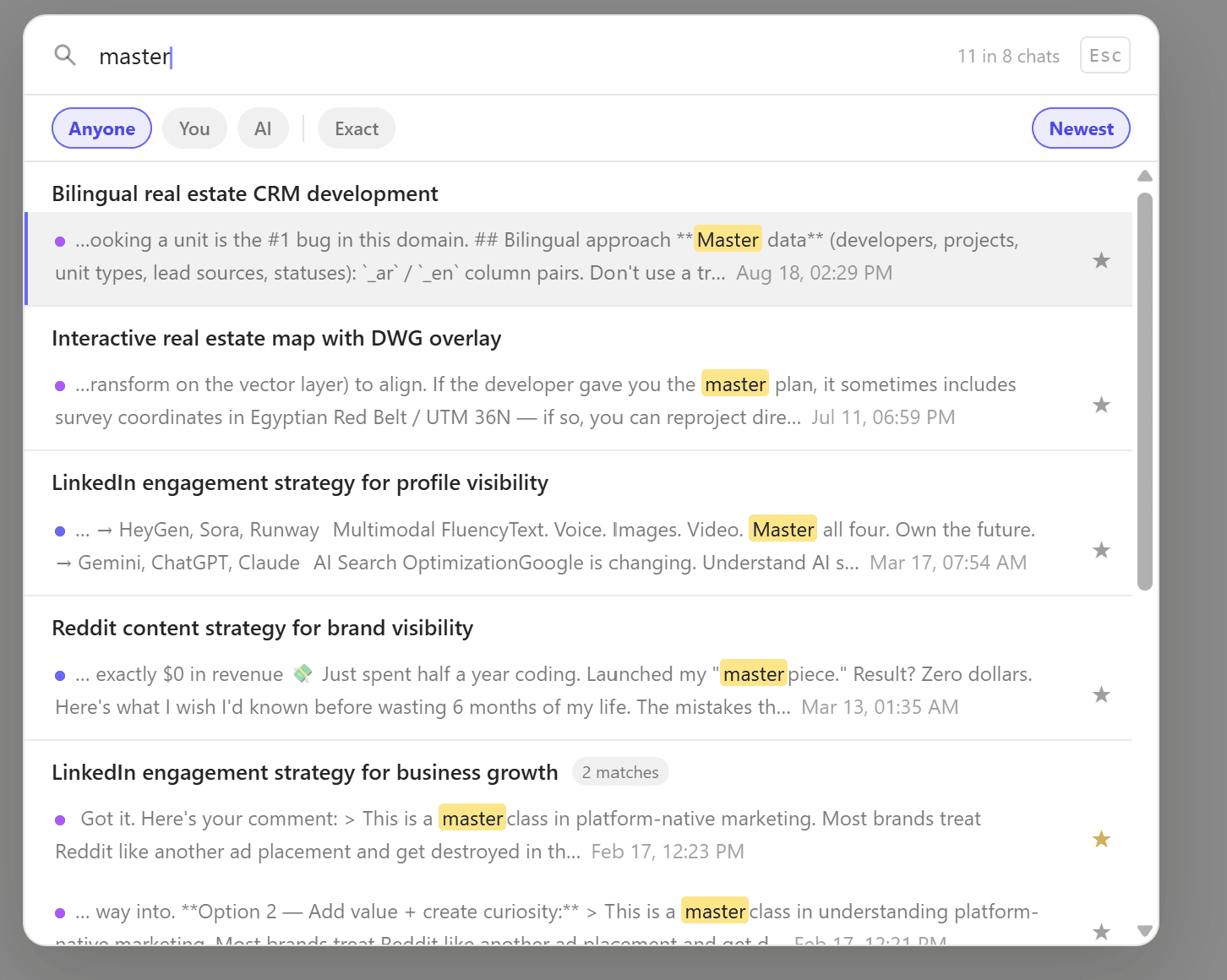
The filter row lets you search everything, only what you wrote, or only what Grok wrote, and an exact toggle treats the query as a literal phrase instead of separate words. That makes the difference between a hundred loose matches and the one reply you were after.
Reading a result
Each result shows the conversation title, the matching snippet with your terms highlighted, and when the message was sent. Click it to open that conversation on grok.com.
One box for all three
Grok search covers grok.com. If you also use ChatGPT and Claude and can't remember which one gave you the answer, cross-platform search on the All Access plan runs the same query over all three at once. Free accounts see 5 results per search; paid plans show them all.
Questions about this feature
No. The index is built and queried inside your browser. Nothing about your conversations or your searches is sent to ChatPeer.
Press Ctrl+Shift+F on Windows or Linux, Cmd+Shift+F on a Mac, from any Grok conversation. The floating ChatPeer button opens it too.
Yes, with All Access. Cross-platform search queries all three platforms' local indexes in one go. Monthly and Lifetime plans search each platform on its own site.
Stop scrolling for it
Free to install. No account required.